Web application development
A web application is built in layers, and the clearest way to deliver it is in short sprints that you can review as they finish.
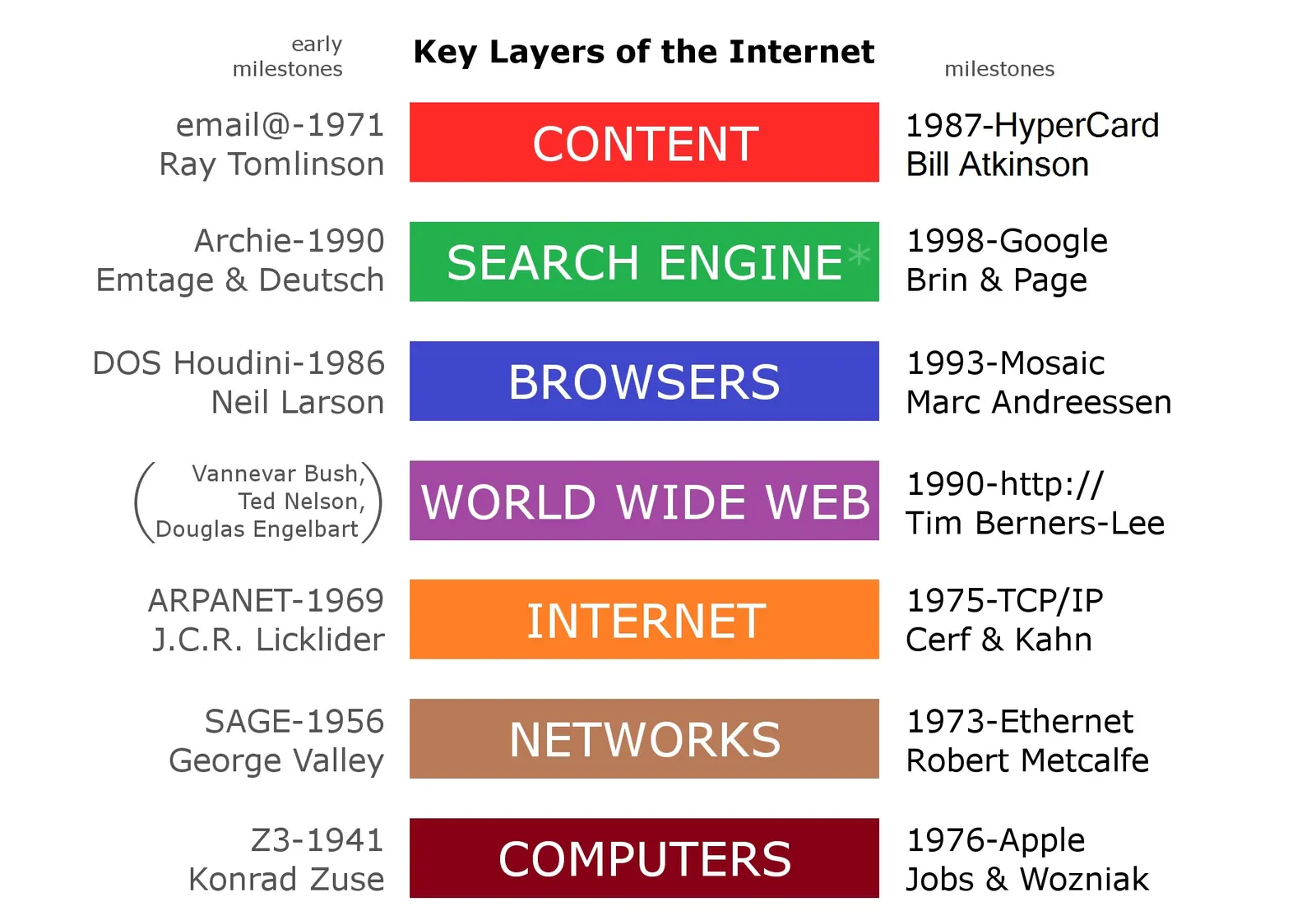
A web application is more than a set of screens. It is a front end people use, a back end that holds the rules and data, and the infrastructure that keeps both running. This page walks through each part and shows how we split the work so you can follow it without reading code.
Start with architecture
Before any feature is built, the team agrees on the shape of the system. This is where the expensive decisions live, so it is worth a little time up front.
- Scope: what the first release must do, and what can wait.
- Structure: a single deployable application or several smaller services. Many products do well with one well-organised application at first.
- Data: which entities exist, how they relate, and which database suits them.
- Integrations: payment, email, identity and any other systems the app must talk to.
A clear brief makes this step faster. If you are not sure how to write one, see how to brief a development project.
Front end
The front end is everything that runs in the browser. It covers layout, forms, navigation, and how the app responds when something is slow or goes wrong. Good front-end work is also about accessibility, sensible page weight and behaviour on small screens. Designs are turned into reusable components so the interface stays consistent as it grows.
Back end
The back end handles accounts, business rules, data storage and the interfaces the front end calls. We focus on a few habits that keep it healthy:
- Clear, documented endpoints so other clients, such as a mobile app, can reuse them later.
- Database changes tracked as versioned migrations.
- Input checks and permission rules written alongside each feature, not added at the end.
Deployment
Deployment should be a routine event, not a special one. We set up automated builds and tests, a staging environment that mirrors production, and a repeatable release process. That means each sprint can end with something you can open and try, and a bad release can be rolled back.
How the sprints work
Work is divided into sprints, usually one to two weeks each. Every sprint follows the same rhythm:
- Planning: we choose a small set of features from the backlog and agree what "done" means for each.
- Build: the team develops and tests, with short daily updates in a shared channel.
- Review: we demo the finished work on staging and collect your feedback.
- Retrospective: we note what to improve and adjust the next sprint.
How you review progress
You do not have to wait for the end to see anything. Each sprint gives you a working build on staging, a short written summary, and an updated backlog showing what is finished, in progress and next. Feedback goes straight into the backlog, so priorities can change between sprints without a restart.
Meeting times are arranged around your working day; the details are on the time zones page. Your repository stays in your hands throughout, as described in code ownership.
Testing and support after launch
Testing runs through every sprint rather than sitting at the end, and a dedicated pass is possible through QA testing. Once the app is live, maintenance and support covers updates, fixes and gradual improvements.
Next step
If you have an idea or an existing application to extend, get in touch and describe what you need. You can also compare ways of organising the team in engagement models.